
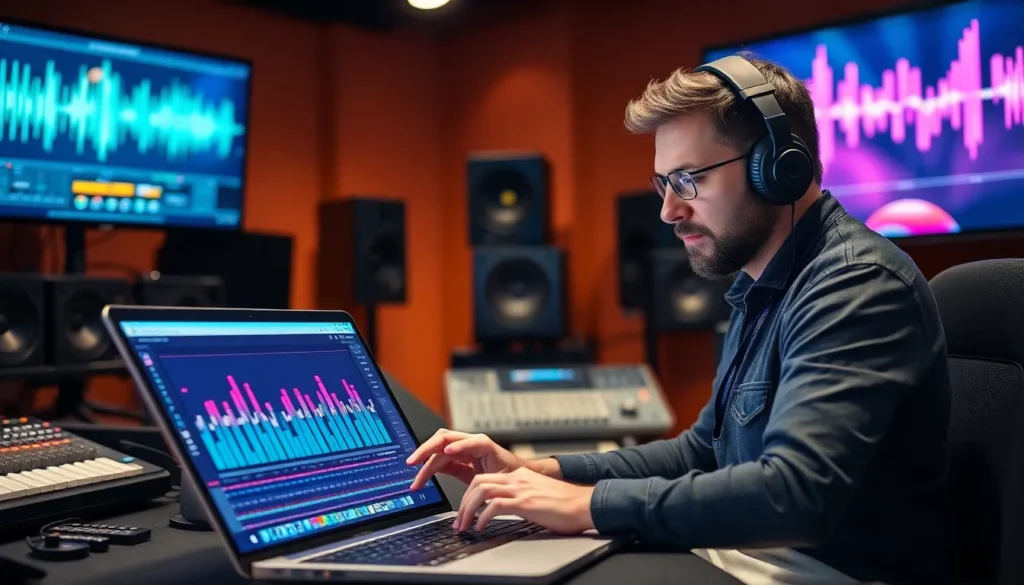
In the world of sound, audio equalization tools are the unsung heroes, quietly transforming flat notes into a symphony of rich, vibrant tones. Ever wondered why that catchy tune sticks in your head? Thank the EQ for making it pop! These tools are like the secret sauce in your favorite recipe, balancing frequencies to create a delicious auditory experience.
Overview Of Audio Equalization Tools
Audio equalization tools play a crucial role in sound production. These tools shape audio frequencies, allowing engineers and musicians to create more dynamic and engaging soundscapes.
What Are Audio Equalization Tools?
Audio equalization tools adjust the balance of different frequency components. Engineers use graphic equalizers to visually manipulate sound, while parametric equalizers offer precise control over specific frequency ranges. Software-based equalizers provide flexibility in digital audio workstations, enabling adjustments without physical hardware. Hardware units also exist, providing tactile interfaces for real-time modification.
Importance Of Audio Equalization
Audio equalization enhances overall sound quality. Properly equalized tracks provide clarity, definition, and balance across instruments and vocals. It prevents frequency clashes, ensuring each element is distinguishable. Without equalization, mixes may sound muddy or harsh, diminishing listener experience. Additionally, tailored equalization can emphasize particular traits of recordings, making them more captivating.
Types Of Audio Equalization Tools
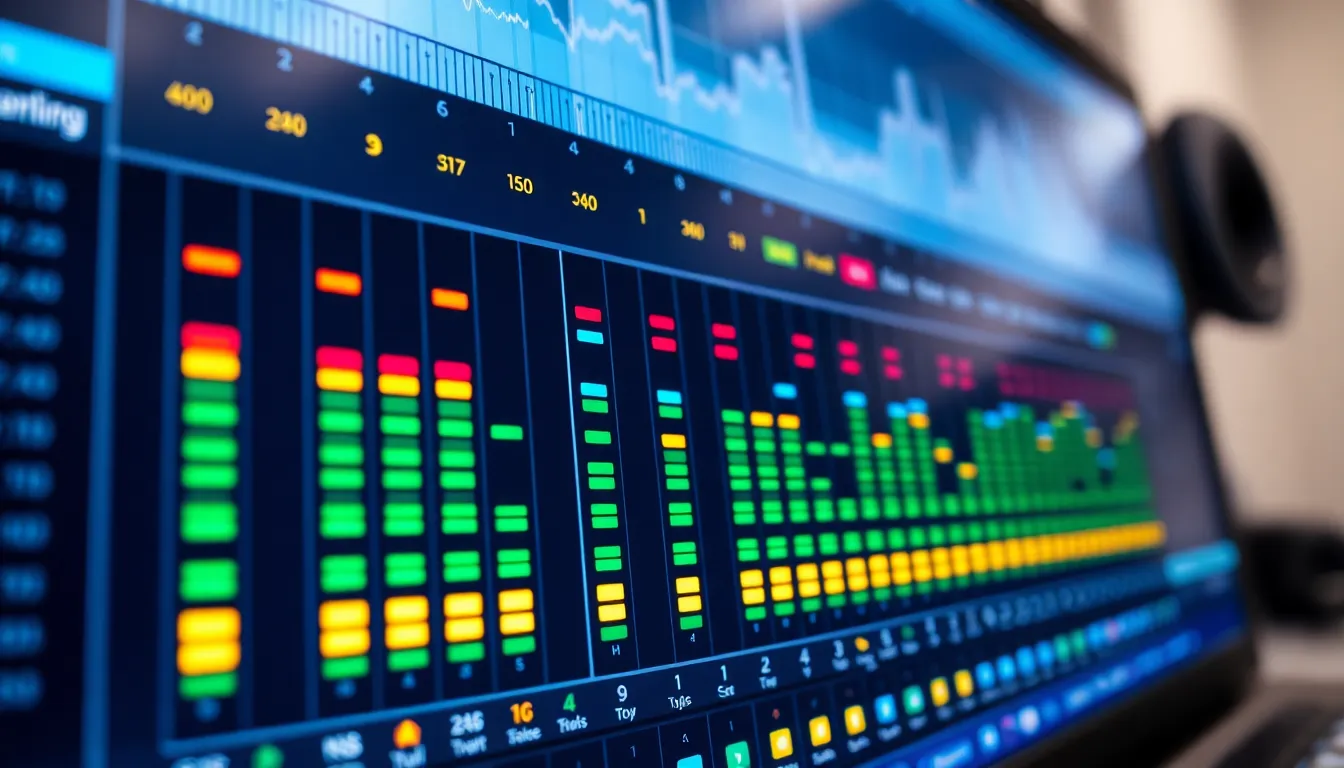
Audio equalization tools come in various forms, each serving distinct purposes in sound engineering. These tools shape audio frequencies, making recordings more dynamic and engaging.
Graphic Equalizers
Graphic equalizers offer precise control of frequency bands through a visual interface. Users can adjust multiple frequency sliders, typically ranging from 10 to 31 bands. This tool allows for immediate adjustments, making it suitable for live sound environments. By visually representing frequencies, graphic equalizers help identify problematic areas, enhancing clarity in mixes. Many engineers favor them due to their straightforward design and instant feedback on audio changes.
Parametric Equalizers
Parametric equalizers provide flexibility with adjustable frequency, gain, and bandwidth parameters. Users can target specific frequencies and apply precise modifications, which supports more intricate sound shaping. A parametric EQ allows for surgical adjustments, making it ideal for addressing particular issues in recordings. Unlike graphic equalizers, they allow dynamic control over the slope of frequencies. Many audio professionals appreciate their versatility in both mixing and mastering processes.
Dynamic Equalizers
Dynamic equalizers combine regular EQ features with dynamic control elements. These tools enable frequency-dependent compression or expansion within set thresholds. Dynamic equalizers are effective in managing frequency masking and enhancing overall mix clarity. By dynamically adjusting levels based on input signal strength, these tools can provide a more polished sound. Many sound engineers leverage their capabilities for both corrective and creative tasks in music production.
Features To Consider In Audio Equalization Tools
When selecting audio equalization tools, several key features significantly impact their effectiveness and usability.
User Interface And Usability
An intuitive user interface enhances the overall experience. Clean designs enable quick navigation and efficient adjustments. For those working in fast-paced environments, responsiveness matters. Accessibility of controls leads to improved workflows. Beginner-friendly tools often include presets, aiding users in achieving desired sounds more easily. Ultimately, usability directly influences productivity and creativity in sound design.
Frequency Range And Bands
Frequency range defines the capabilities of an equalizer. Tools that cover wider ranges provide greater flexibility in sound shaping. Consider options with multiple bands, which allow for more detailed adjustments across various frequency spectrums. Some equalizers feature adjustable bandwidth for precise control over specific frequencies. Band quantity impacts the ability to sculpt sound effectively, so choosing an equalizer with adequate bands is crucial for achieving the desired audio profile.
Real-Time Analysis And Visualization
Real-time analysis tools offer immediate feedback during adjustments. Visual representations of frequency responses enhance understanding and precision. Many equalizers incorporate spectrum analyzers, revealing frequency distribution in audio. Dynamic visualization aids in making informed decisions about sound modifications. Those looking to refine their audio often prioritize tools that allow for real-time monitoring to ensure optimal results.
Popular Audio Equalization Tools
Several audio equalization tools excel in enhancing sound quality. These tools allow for detailed frequency manipulation, significantly improving audio experiences.
Tool 1: FabFilter Pro-Q 3
FabFilter Pro-Q 3 stands out for its intuitive interface and precise controls. Users can adjust frequencies with a simple click, making it a favorite for both beginners and professionals. It offers dynamic EQ options, allowing for frequency modulation based on input levels. Real-time feedback appears via the spectrum analyzer, delivering clarity during adjustments. This tool’s flexibility suits various applications, from mixing to mastering, ensuring a polished final product.
Tool 2: iZotope Ozone Equalizer
iZotope Ozone Equalizer combines traditional EQ functions with advanced features. Its tonal balance control allocates frequencies effectively, resulting in a well-rounded sound. This tool includes an adjustable spectrum visualization, enhancing users’ ability to identify problematic frequencies. Integrated mastering tools streamline the workflow, making it convenient when developing projects. With its comprehensive suite of features, Ozone EQ simplifies the mastering process for optimal results.
Tool 3: Waves Q10 Equalizer
Waves Q10 Equalizer offers ten independent bands for flexible frequency control. Each band features adjustable bandwidths, allowing for precise fine-tuning of audio. Users appreciate its low CPU usage, ensuring seamless performance in any mixing session. The high-pass and low-pass filters assist in removing unwanted frequencies efficiently. This tool proves essential for those seeking detailed corrections and enhancements in their sound designs.
Audio equalization tools play a vital role in the music production landscape. By effectively balancing frequencies and enhancing sound quality, they transform basic audio into captivating experiences. Whether using graphic or parametric equalizers, the right tool can significantly impact the final mix.
Understanding the unique features of each equalization tool enables users to make informed choices tailored to their specific needs. With the right approach, audio equalization not only elevates sound clarity but also enriches the overall listener experience, ensuring that every note resonates with depth and vibrancy. Embracing these tools is essential for anyone looking to refine their audio production skills.